
The Amazon Fire TV Stick—specifically the Fire TV Stick 4K Max and Fire TV Cube—is widely considered the absolute best dedicated streaming hardware for IPTV. Its quad-core processor, dedicated hardware video decoders, and Wi-Fi 6E capabilities provide the ideal foundation for bufferless 4K television. In this complete 2026 tutorial, we guide you step-by-step through installing and optimizing Greek IPTV on your Firestick.
What You Need Before Starting
- An Amazon Fire TV Stick connected to your television display and home Wi-Fi or Ethernet.
- An active Greek IPTV subscription (credentials delivered via WhatsApp/Email).
- Approximately 3 to 5 minutes of setup time.
Step 1: Install the Free Downloader Utility
- From the Fire TV home screen, scroll over to Find and click Search.
- Type 'Downloader' into the on-screen search bar.
- Select the orange Downloader icon from search results, click Download, and wait for installation.
Step 2: Enable Developer Options & Unknown App Permissions
To enable Downloader to install IPTV players like TiviMate or Smarters, follow these quick steps:
- Open Settings (the gear symbol on your Fire TV home screen).
- Navigate to My Fire TV > About in your Firestick settings.
- Important Note for Recent Fire OS: Click your Fire TV Stick's name 7 times rapidly until you see 'No need, you are already a developer'.
- Press the back button to return to My Fire TV; Developer Options will now be visible.
- Select Developer Options > Install Unknown Apps on your Firestick.
- Locate Downloader in the list and switch permissions to ON.
Step 3: Download and Install Your IPTV Player App
- Open the Downloader app from your library and grant storage permissions when prompted.
- Click into the URL input box and enter one of the following shortcodes:
- IPTV Smarters Pro: Enter Downloader code 78522 and press Go.
- TiviMate IPTV Player: Enter Downloader code 278077 and press Go.
- The application file will download automatically. Once finished, click Install.
- Once installation completes, click Open to launch your new media player.
Step 4: Login with Your Greek IPTV Credentials
- On the opening screen of your player, choose 'Login with Xtream Codes API' (or 'Add Playlist').
- Enter the following details provided in your order confirmation:
- Any Name:
Greek IPTV 4K - Username: [Your unique account username received via WhatsApp]
- Password: [Your private account password received via WhatsApp]
- Server URL: [Your dedicated Greek IPTV server host URL from WhatsApp]
- Any Name:
- Click Sign In or Add User. The player will import Greek channels, sports schedules, and the 142,000+ movie catalog within 60 seconds.
Expert Optimization Tips for Buffer-Free Firestick Streaming
- Enable Hardware Acceleration: In your player settings, switch video decoding to Hardware (HW+) to utilize the Firestick GPU.
- Adjust Video Buffer: Set buffer size to Medium or Large (3-5 seconds) to absorb Wi-Fi fluctuations.
- Clear Cache Regularly: Navigate to Settings > Applications > Manage Installed Applications > Clear Cache to keep your Firestick responsive.
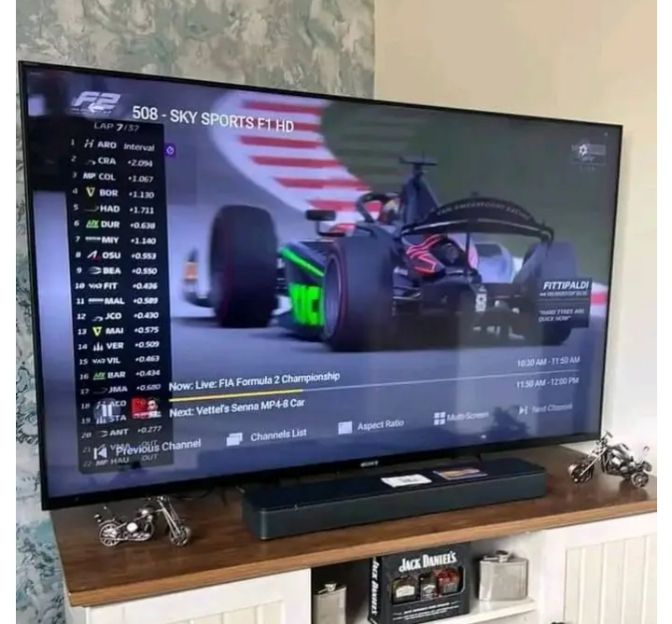
Experience High-Definition Greek 4K Streaming Today
Join over 15,000 satisfied streamers across Europe with Greek IPTV.
Get Instant Access Now →